People have always found different ways to communicate with each other, from earlier methods such as smoke signals, to morse code, and the most modern methods, computers.
Computer networks sprang into existence within the 1950s and 60s. They were most common among organisations who could afford to buy the expensive equipment and research labs. In the 1970s, computers in the same building started being connected in a system we refer to as a Local Area Network (LAN).
Local Area Networking
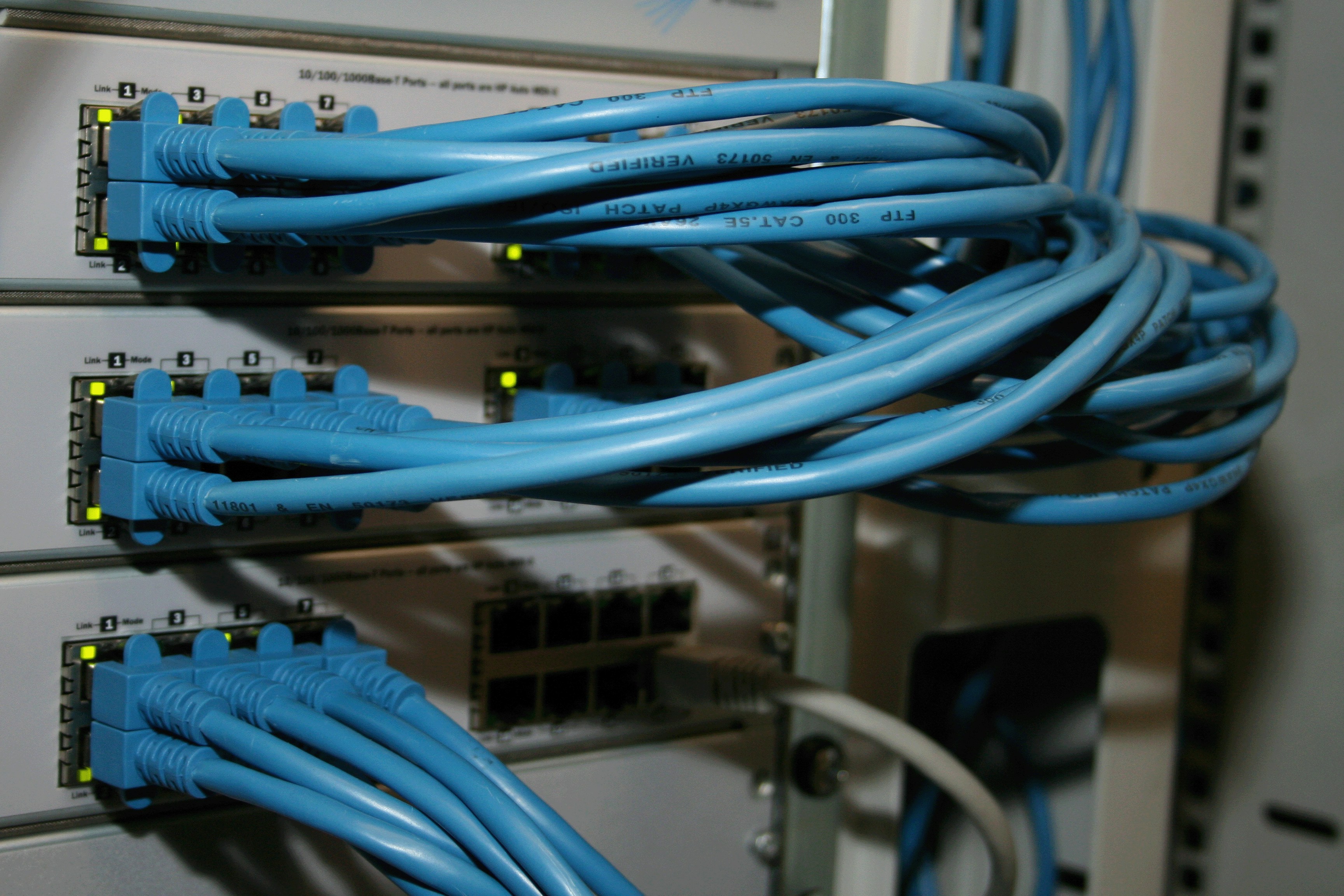
A Local Area Network is the connection between two or more computers in a particular location or building. This network is mostly accomplished using cables which aid the transfer of information between the computers on the network. The most common standard for connecting computers in a LAN with cables is known as Ethernet.
Ethernet and MAC Addresses
On an Ethernet network, information sent by one computer reaches every computer on that network. It would be quite inefficient for every computer to process files/data that were not meant for it. To fix this issue each computer has a unique MAC (Media Access Control) address. When a sender wants to pass some information they simply add the receiver’s MAC address in the header of the message. Every computer checks the MAC address on each message it receives, and if the address is not its own, it ignores the message.
The medium through which the data is transferred can be the ethernet (copper cables) or wifi (signals in the air).
The rate at which a medium can transmit data is known as its bandwidth.
Ensuring Smooth Communication
We’ve established how communication occurs within a Local Area Network of computers but imagine this scenario where you have two or more computers trying to send information at the same time on the same network. This scenario is referred to as a collision.
How do you avoid collision? One way is to tell the computer wanting to send information to first listen and check if the network is free. If it is, it can send the message, if not it waits until the network is free. This approach of listening before sending is known as Carrier Sense Multiple Access (CSMA).
The “Carrier” in CSMA refers to the signal on the network. Wired Ethernet used CSMA/CD (Collision Detection) while wifi uses CSMA/CA (Collision Avoidance).
Exponential backoff
However, what happens if two or more computers check the network at the same time, see that it is free, and both start sending? You are back to square one, and the computers need a way to try again without colliding once more. If both computers waited the same set time before retrying, they would just collide again. This leads to an improvement on our approach, rather than just tell the computers to wait a particular set time, we tell each computer to wait a random amount of time within a range, and every time there is another collision that range doubles. i.e. after the first collision a computer can pick a random wait between 0 and 2 seconds, after the second collision between 0 and 4 seconds, etc. Because each computer picks its own random time, it becomes more likely that one of them goes first. This approach of increasing the wait time is known as exponential backoff.
In real networks these wait times are measured in microseconds, not seconds. Seconds just make the example easier to follow.
Switches and Routers
With exponential backoff the possibility of having a collision on the network is lower but not zero. This brings us to another way to improve our computer network which is a network switch.
A network switch is a device that allows us to separate computers connected in a network into what we call collision domains.
A collision domain refers to a group of connected computers in a network which have the likelihood of having a collision on their network.
With a switch, each computer is plugged into its own port, and each port is its own collision domain. The switch learns which MAC address is connected to which port, so when a message comes in it only sends it to the port of the receiving computer. For example in a network with 6 computers named A through F, if A is trying to communicate with C the network switch ensures that the data is only transmitted to C, so D, E and F are not disturbed and their own messages cannot collide with it.
While switches connect computers within a network, routers connect different networks together. A router looks at the IP address of the data and decides which network it should be sent to next. The internet is the interconnectivity of different local networks communicating through routers.
Switches use MAC addresses to move data within a network, routers use IP addresses to move data between networks.
The word “switching” is also used to describe the different techniques for moving data across a network, which is slightly different from the network switch above.
Circuit switching is a technique that reserves a dedicated path between two computers for the whole time they are communicating, similar to an old telephone call.
Message switching is another technique of transmitting data where each switch along the route receives the whole message, stores it, and then forwards it to the next switch on a free route. This is known as store and forward.
The number of hops a message takes along its routes is known as the hop count. Keeping track of the hop count is useful in identifying routing problems.
A downside of message switching is the size of the message which determines how long the route is occupied because it cannot be free until it sends the whole message. A way to fix this is by breaking large messages into chunks known as packets. Each packet contains the destination address (IP address) of its destination computer ensuring that routers are able to send the data to its correct destination. This technique of chunking data into packets is known as Packet switching.
It is possible for these packets to get to their destination in the incorrect order, or not arrive at all, and that is what the TCP/IP protocols solve. IP handles addressing and getting each packet to the right computer, while TCP puts the packets back in the correct order and asks for any missing packets to be sent again.
Image Credits
Cover photo by U. Storsberg on Unsplash.